Component Actions
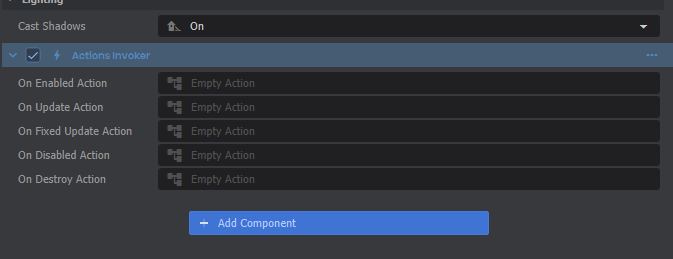
The easiest way to add an ActionGraph to your scene is through the Actions Invoker component. Just click Add Component on an object, then you can find it under Actions.
The easiest way to add an ActionGraph to your scene is through the Actions Invoker component. Just click Add Component on an object, then you can find it under Actions.
 You can also find action properties in a few other built-in components, like Colliders when Is Trigger is checked.
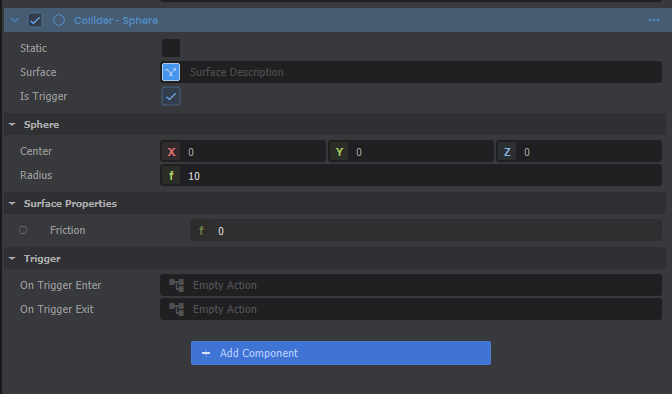
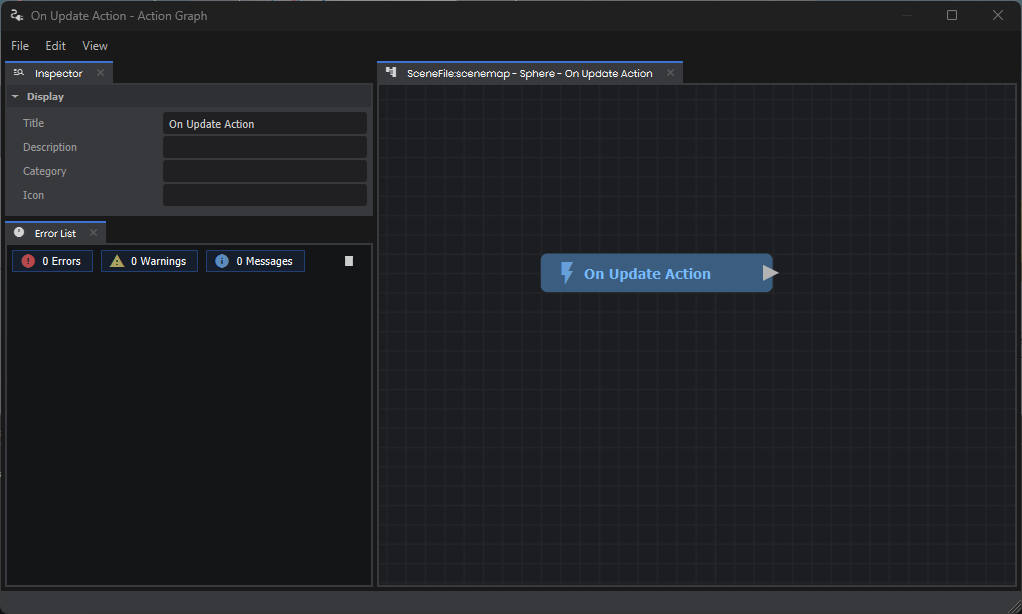
Each of these start out with an "Empty Action". Simply click on any of those to create a new ActionGraph and start editing it!
Next Steps
Take a look at the Intro to ActionGraphs guide to learn how to edit your new graph.