First Time Setup
Open S&box and make a new project. You can select 'Addon' as your template since we're only going to publish a model.
First time Opening S&box 📦

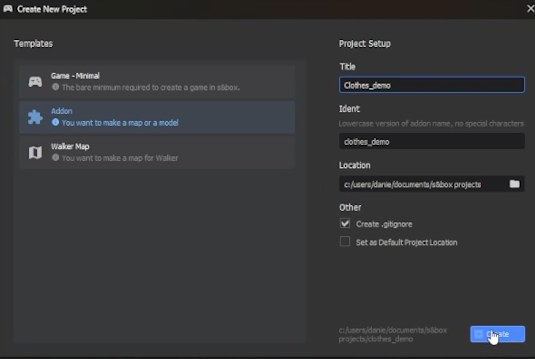
Open S&box and make a new project. You can select 'Addon' as your template since we're only going to publish a model.
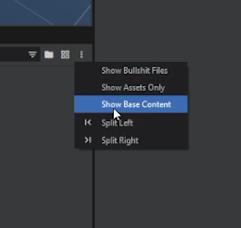
Make sure to turn on 'Show Base Content'. This will allow you to see important 'core' folders and files in the asset browser, which you will be using during the clothing creation process.
You will never need to add or adjust files within the core folders (e.g. the citizen addon folder). Only within your local project folder.
Grabbing Citizen Files 🤏

Find useful files in Steam\steamapps\common\sbox\addons\citizen\Assets\models\citizen
In that folder can use citizen_REF.fbx, which supplies you with the citizen mesh and simple rig.
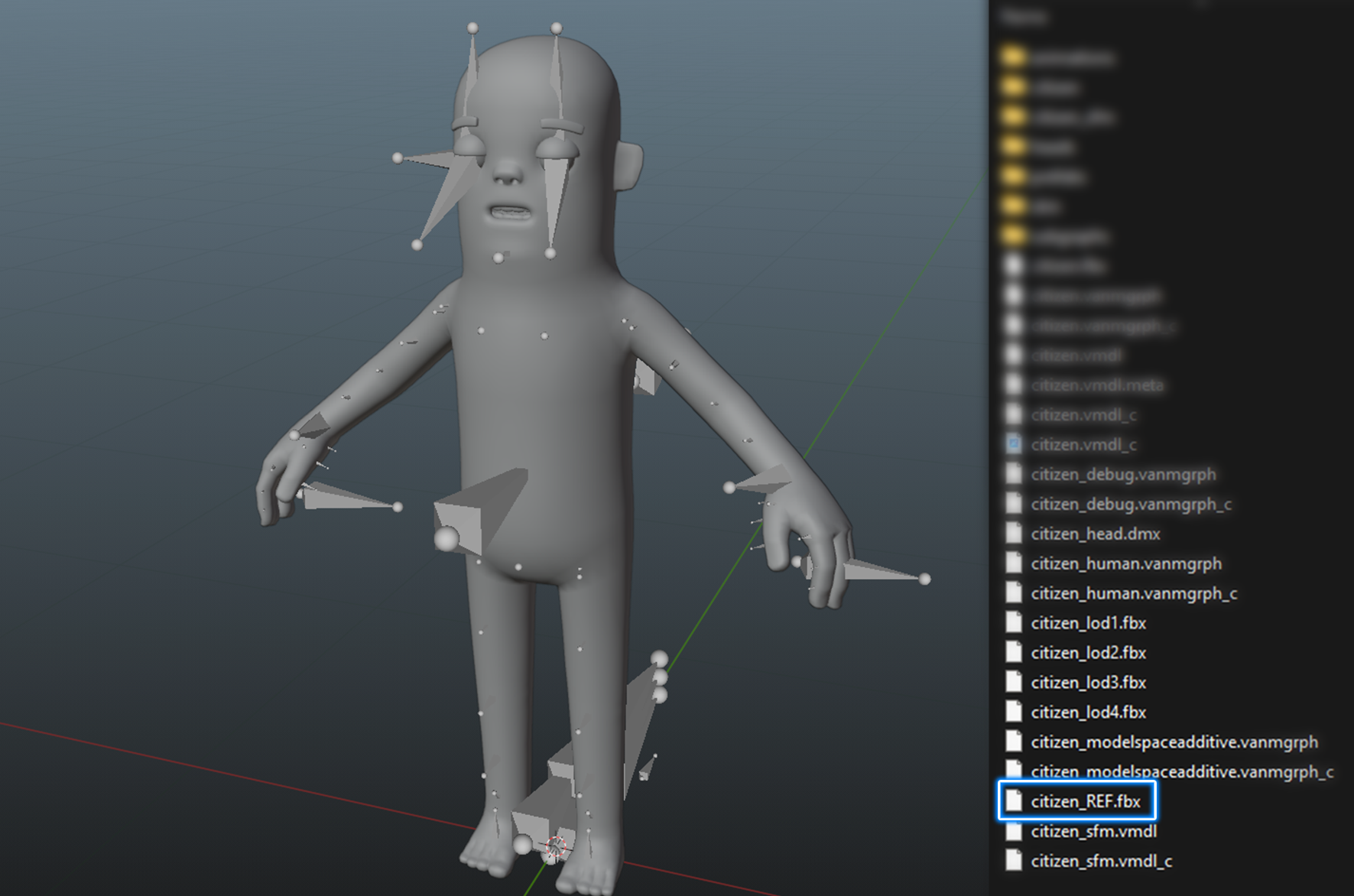
Moving forward, we will use citizen_REF.fbx to build our clothing around it.
Grabbing Human Files 🧍
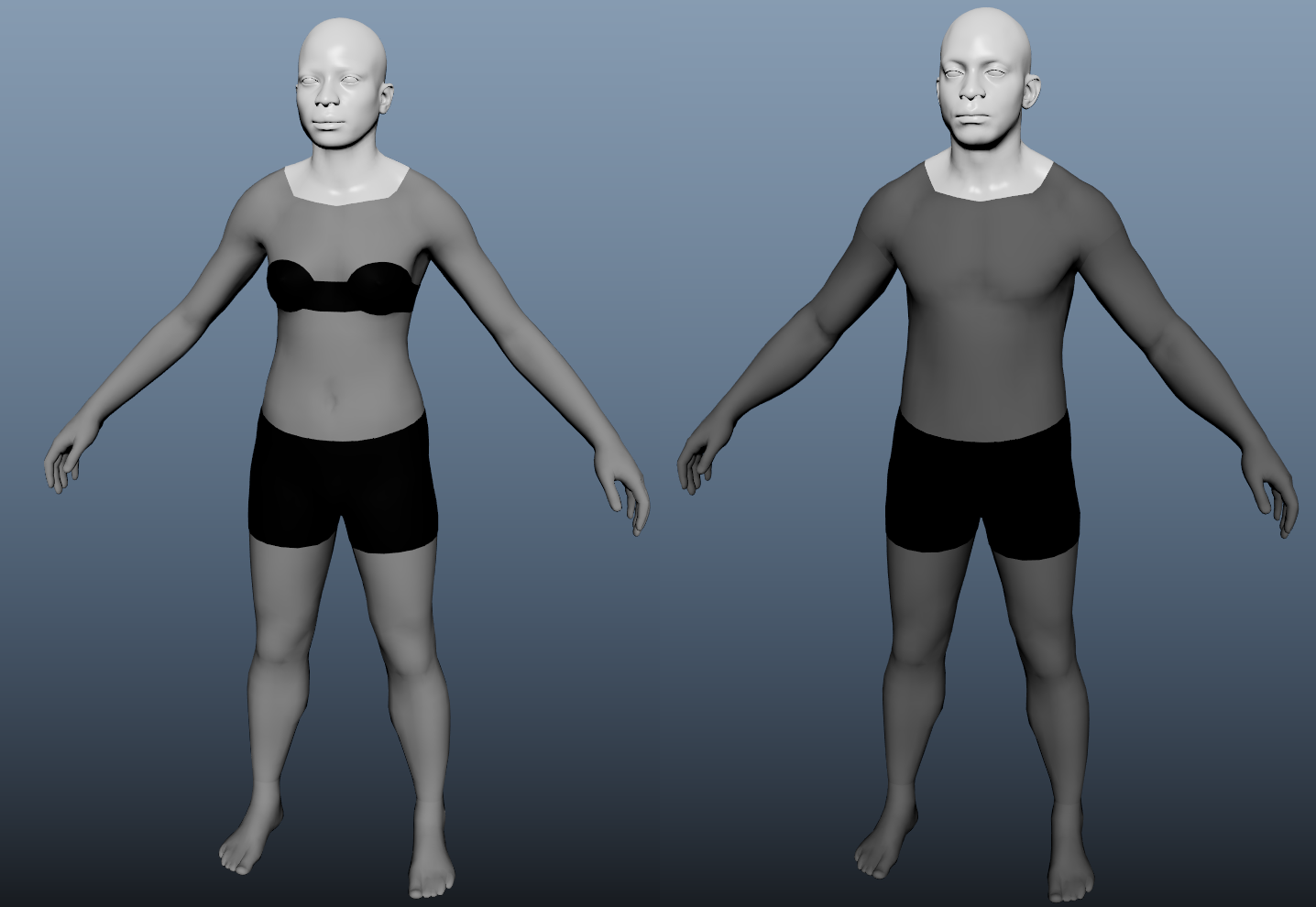
We also have the citizen_human_male_REF and citizen_human_female_REF which both have the same use-case, but for the human versions of your clothing.
These can be found in sbox\addons\citizen\Assets\models\citizen_human.