PostProcessVolume
PostProcessVolume It is a component that applies a set of post-processing components when a camera is inside it.
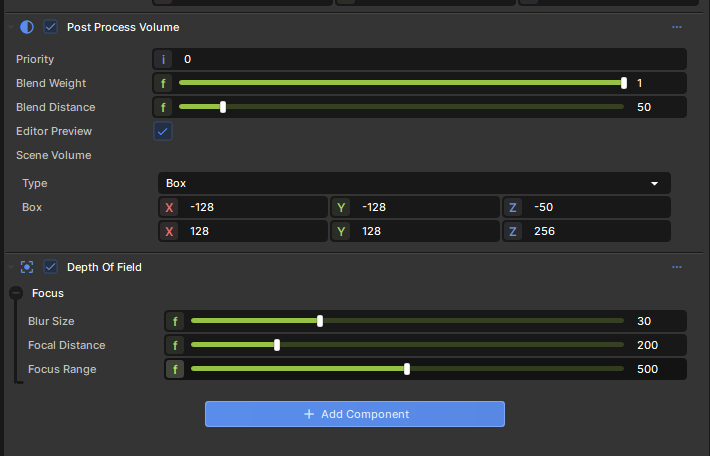
PostProcessVolume It is a component that applies a set of post-processing components when a camera is inside it.
The effect components can be on the same GameObject as the PostProcessVolume component, or on a child GameObject.
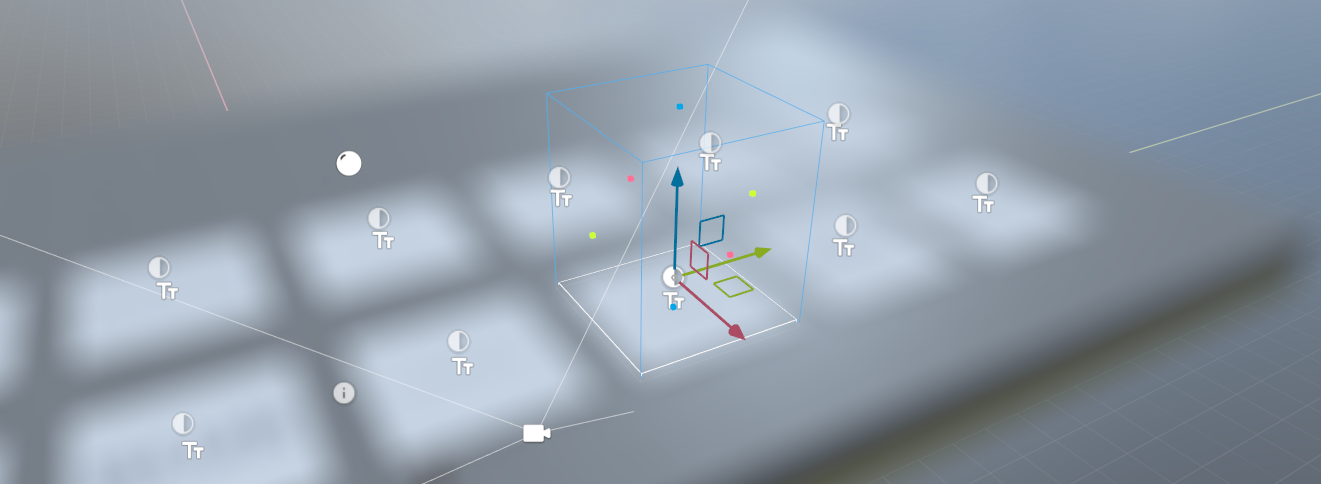
Volume
The volume can be a box, sphere or infinite.
The infinite mode is useful for adding effects that you only want to apply sometimes. For example, you might want to fade up FilmGrain when a player is dying of radiation poisoning. You can have this effect in a GameObject with an infinite PostProcessVolume somewhere, and enable and slide up the BlendWeight depending on how much of the effect you want to apply.
Blending
Blending is done according to how far in the volume you are using the BlendDistance property.
Editor Preview
When the volume is selected the editor will show a preview of that effect. If you don't want this to keep happening you can disable Editor Preview on the component.