Variables
Variables are useful for making your Graph easier to follow and understand, while also giving the option to expose certain values to the Material Editor and Code.
Variables are useful for making your Graph easier to follow and understand, while also giving the option to expose certain values to the Material Editor and Code.
Constants
Any Constant nodes created within a Shader will be compiled as constant values in shader code. These values cannot be changed
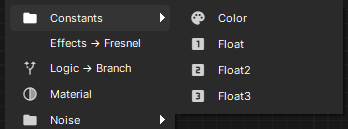
Variables
Any Constant nodes that are given a name are automatically exposed in the Material Editor. these values can be customized when creating a Material from the Shader.
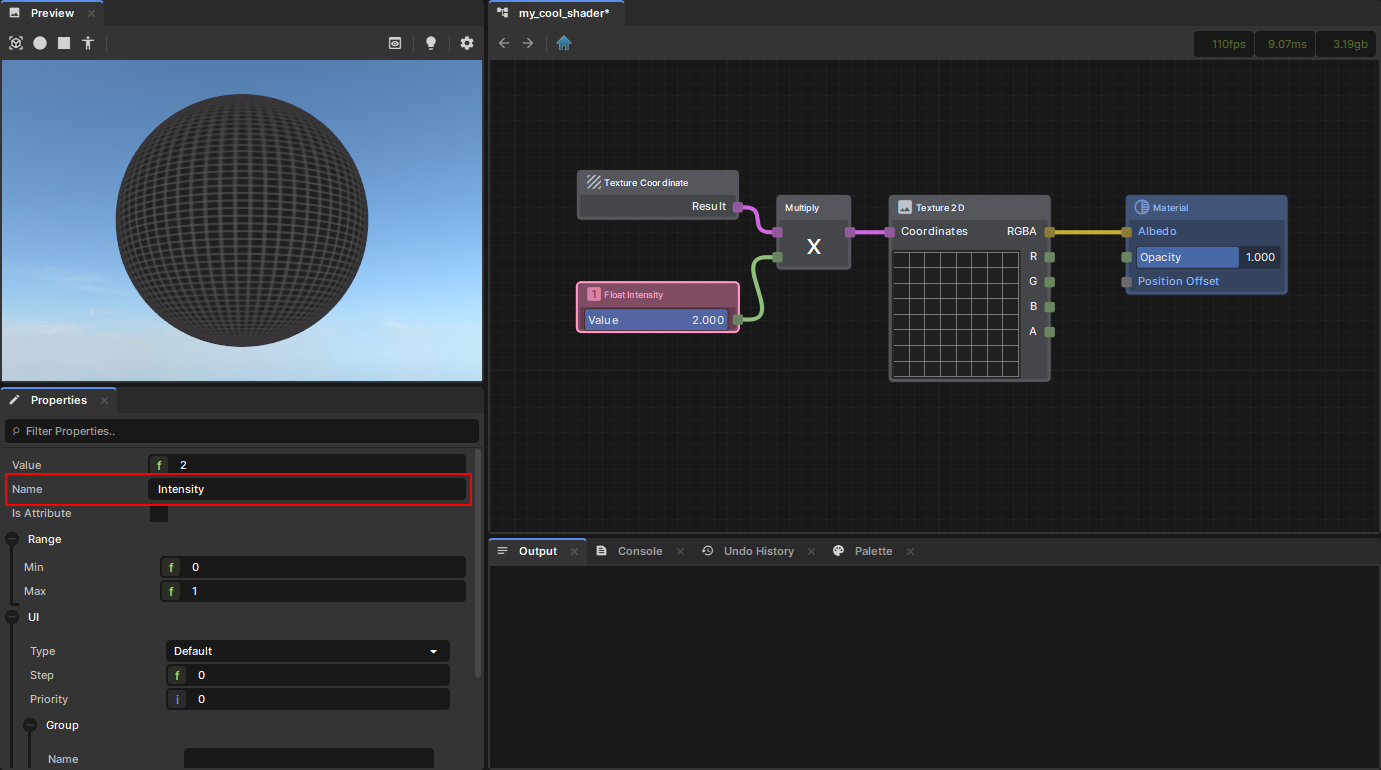

If a Constant has "Is Attribute" set to true, then the value will not be exposed in the Material Editor and will instead be accessible via RenderAttributes in code.