Component Editor Tools
Component Editor Tools work a lot like regular Editor Tools, but they're always active when a specific Component is selected. These tools generally create UI in the scene view, but they can also override input too.
Component Editor Tools work a lot like regular Editor Tools, but they're always active when a specific Component is selected. These tools generally create UI in the scene view, but they can also override input too.
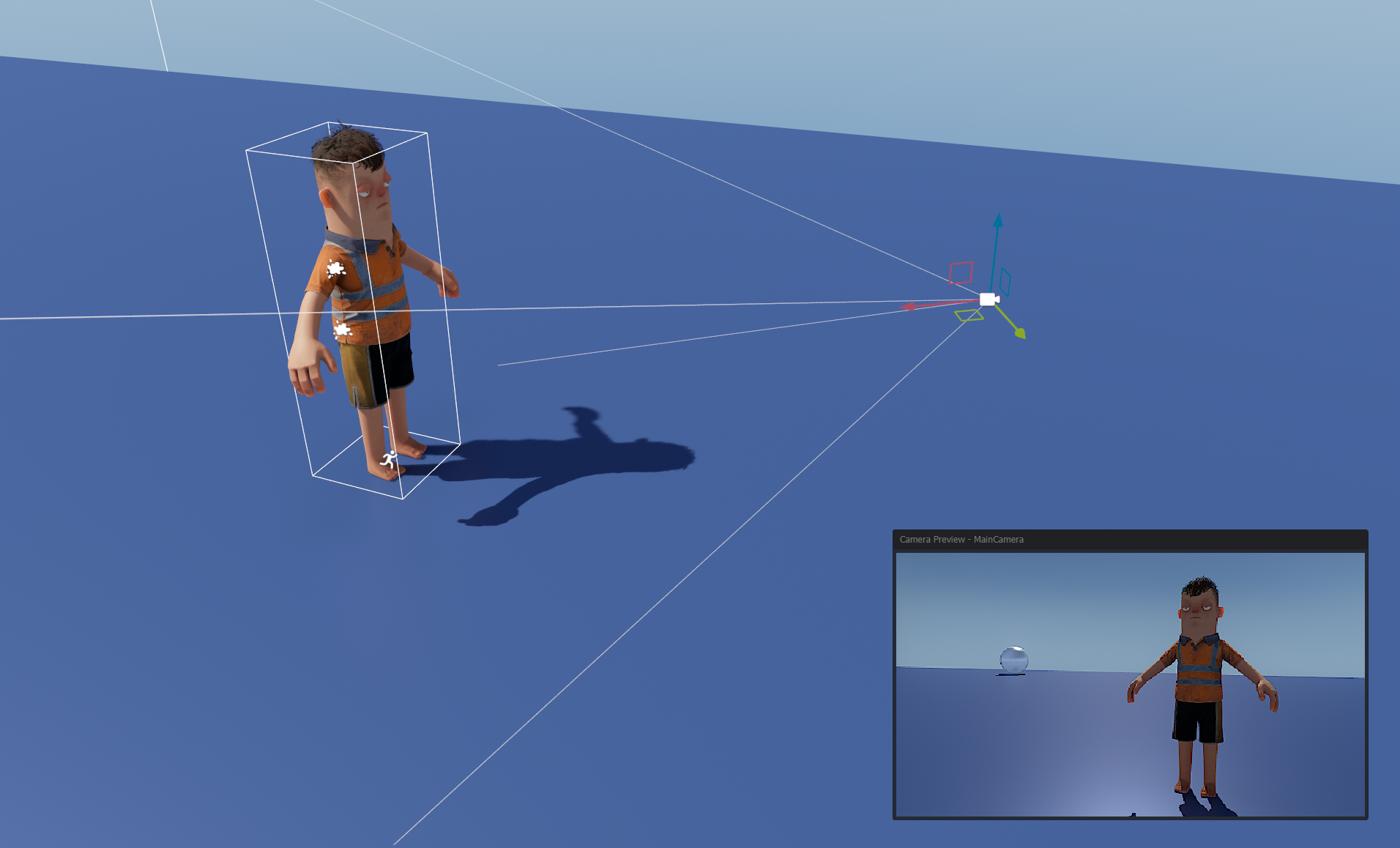
An example of a component tool is the camera preview - which is shown when a GameObject with a CameraComponent is selected.
Defining
To define an EditorTool for your Component, you create a class like this.
public class MyEditorTool : EditorTool<MyComponent>
{
public override void OnEnabled()
{
}
public override void OnUpdate()
{
}
public override void OnDisabled()
{
}
public override void OnSelectionChanged()
{
var target = GetSelectedComponent<MyComponent>();
}
}
The method OnSelectionChanged is called after the tool is created and registered. It can also be called later if the selection is changed to another component.
The tool is automatically deleted/destroyed when the selection no longer contains the specific component type.